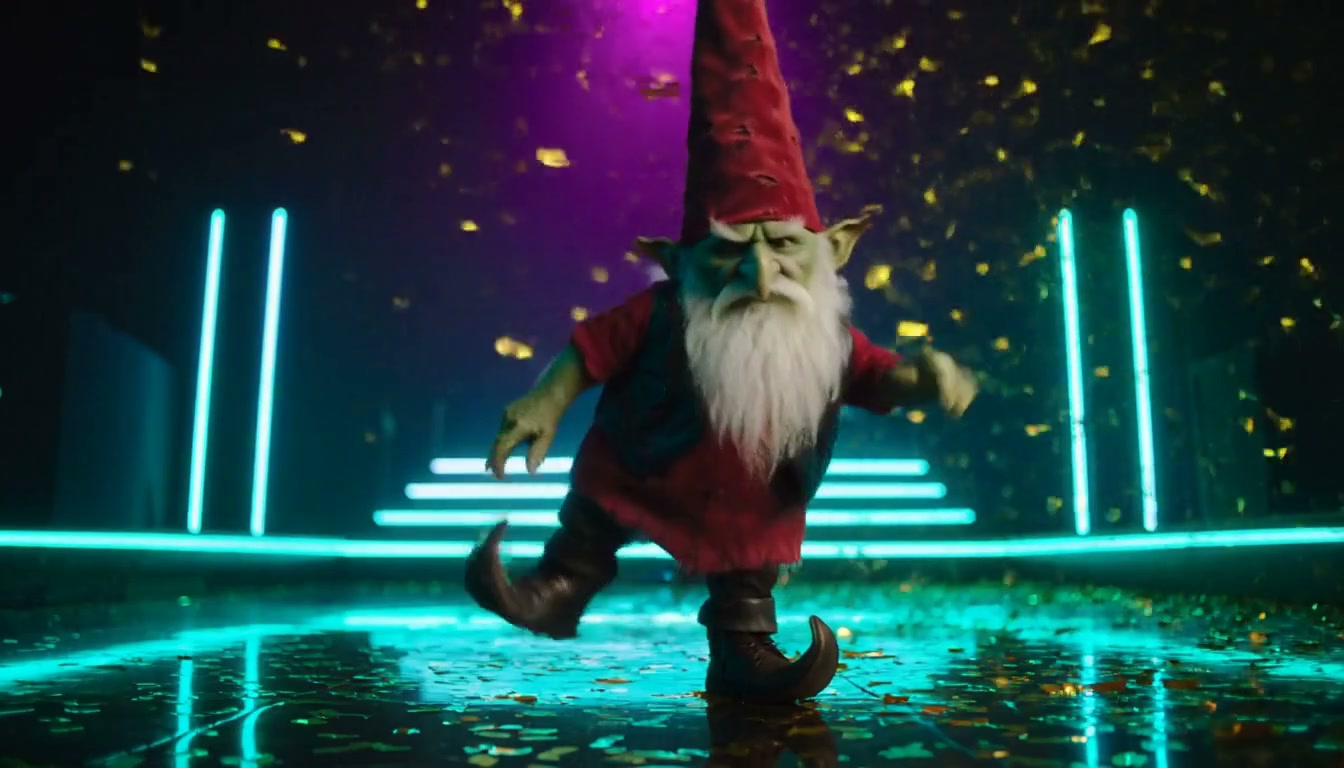
How to pick photos: the dancer and the spectator
The first photo becomes the sneaky dancer, the second watches the show. Four rules for stable results.
The generator casts two people: photo 1 becomes the dancer who tiptoes, shushes, and spins; photo 2 becomes the spectator watching it happen. Pick deliberately.
One subject per photo
Group shots confuse the model. If you want a couple in the video, use one photo each.
Front-facing, eyes and jawline visible
The AI anchors a face from what it can see. Sunglasses, heavy filters, and extreme angles all hurt stability.
Headshot vs full-body
A headshot means the AI leans on the face. A full-body photo also feeds hair and outfit into the character — useful when the dancer should keep a signature look.
Use originals, not screenshots
Screenshots of other videos or heavily compressed re-saves lose exactly the detail the model needs. Upload the original file.
Author

Categories
More Posts
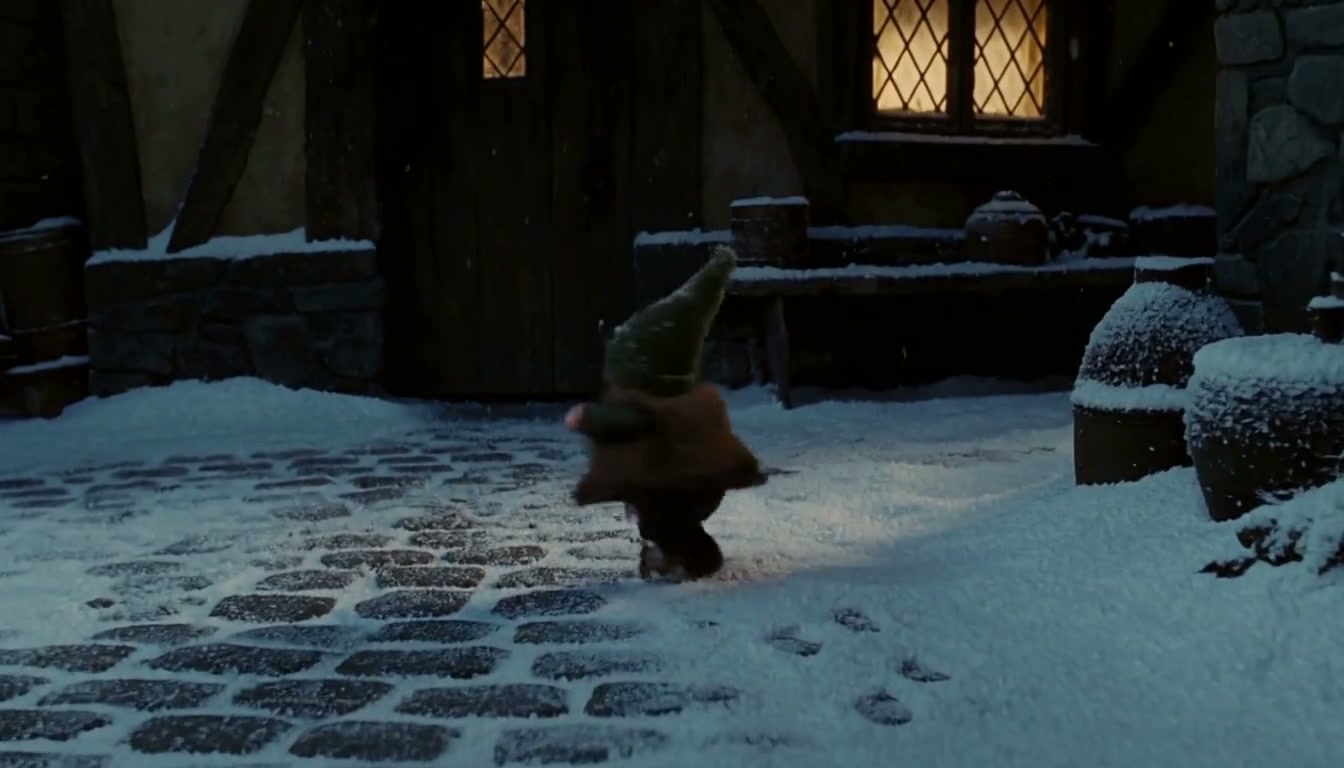
Posting your tiptoe video on TikTok
Audio, captions, hashtags, and the responsible-sharing checklist before you post.
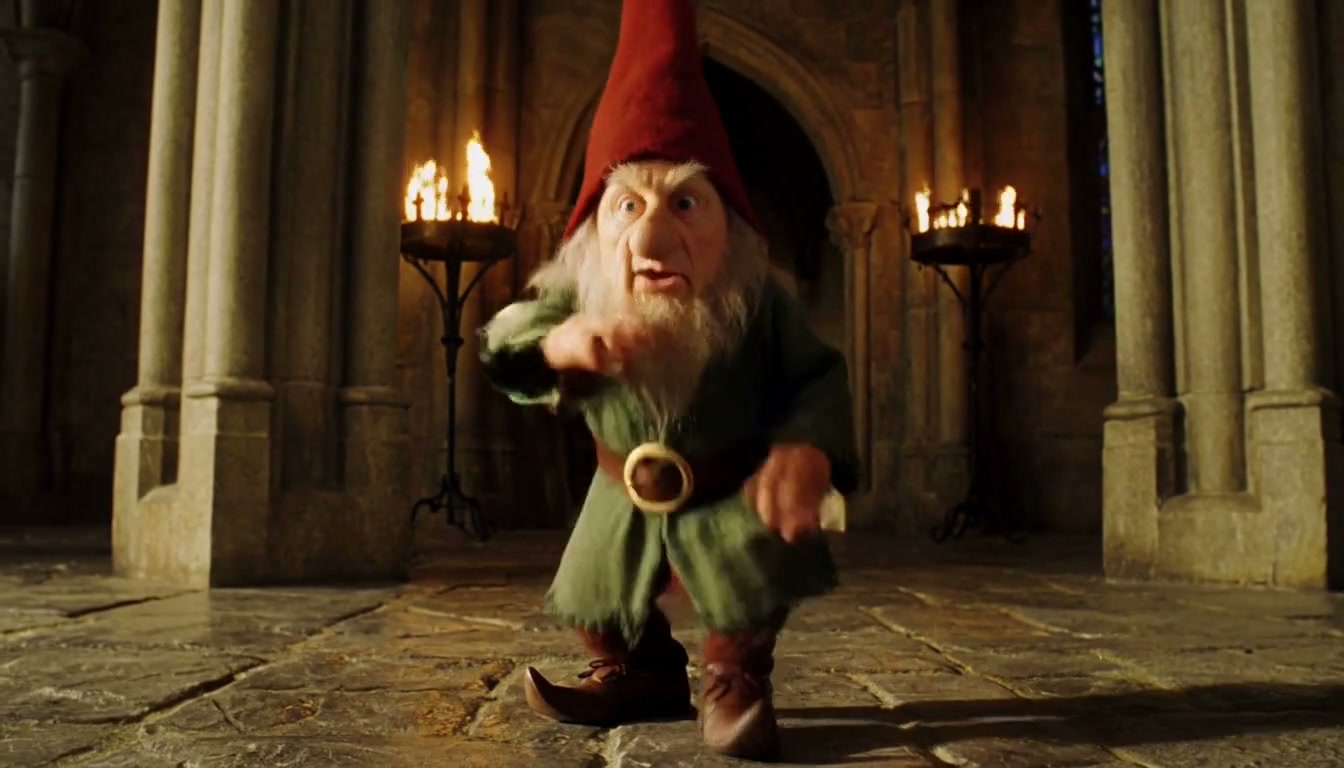
768p or 2K? Choosing the right quality
When 768p is enough, when 2K is worth the extra credits, and how failures are refunded.
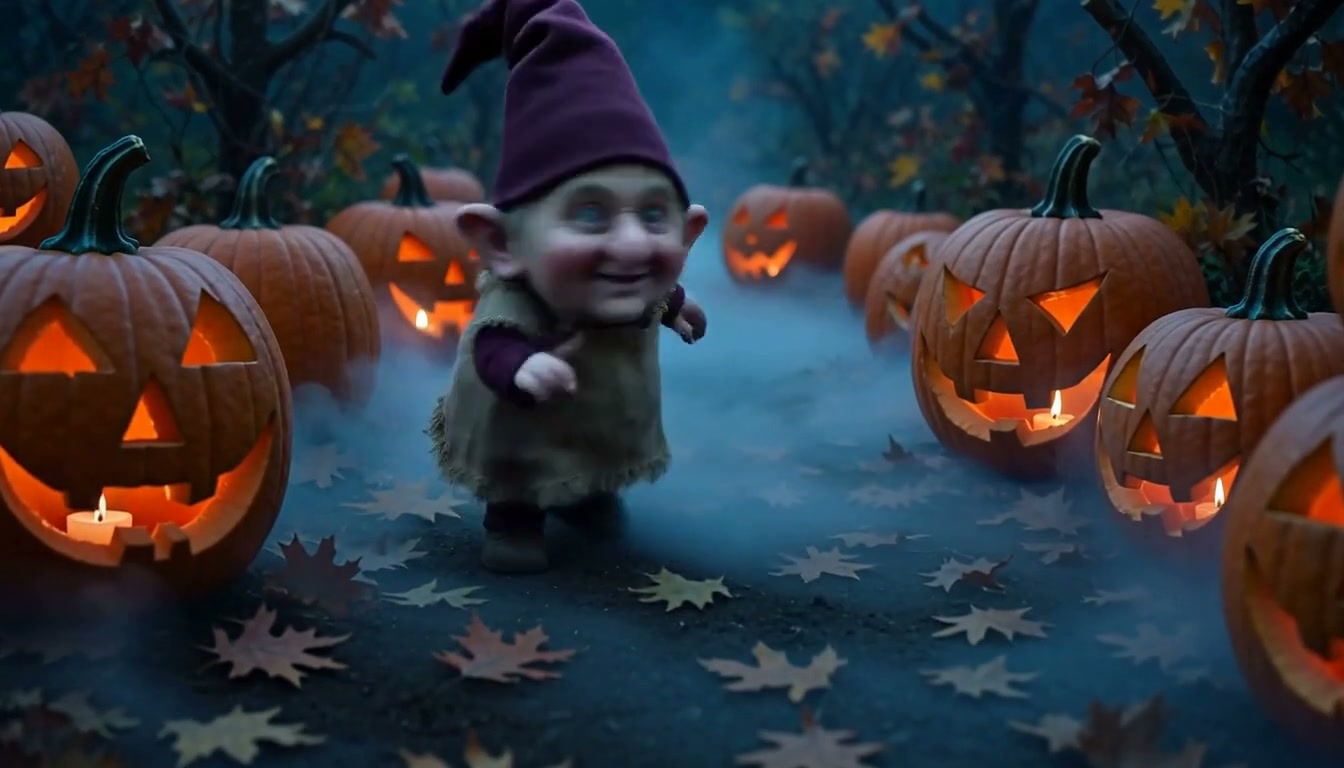
Six dance scenes and when to use each
Straw room, castle hall, nightclub, office, pumpkin patch, snow village — a quick picking guide.
Two photos. One sneaky little dance.